 @alxlynnhd
Changelog
- File size – 131.4MB
- v1.3.0 – UI
- Slight UI improvement.
- v1.2.0 – Minimize
- Added option to minimize app.
- v1.0.0 – Initial Release
- First public release of MochiiPass.
- Effortlessly Generate a password for useage.
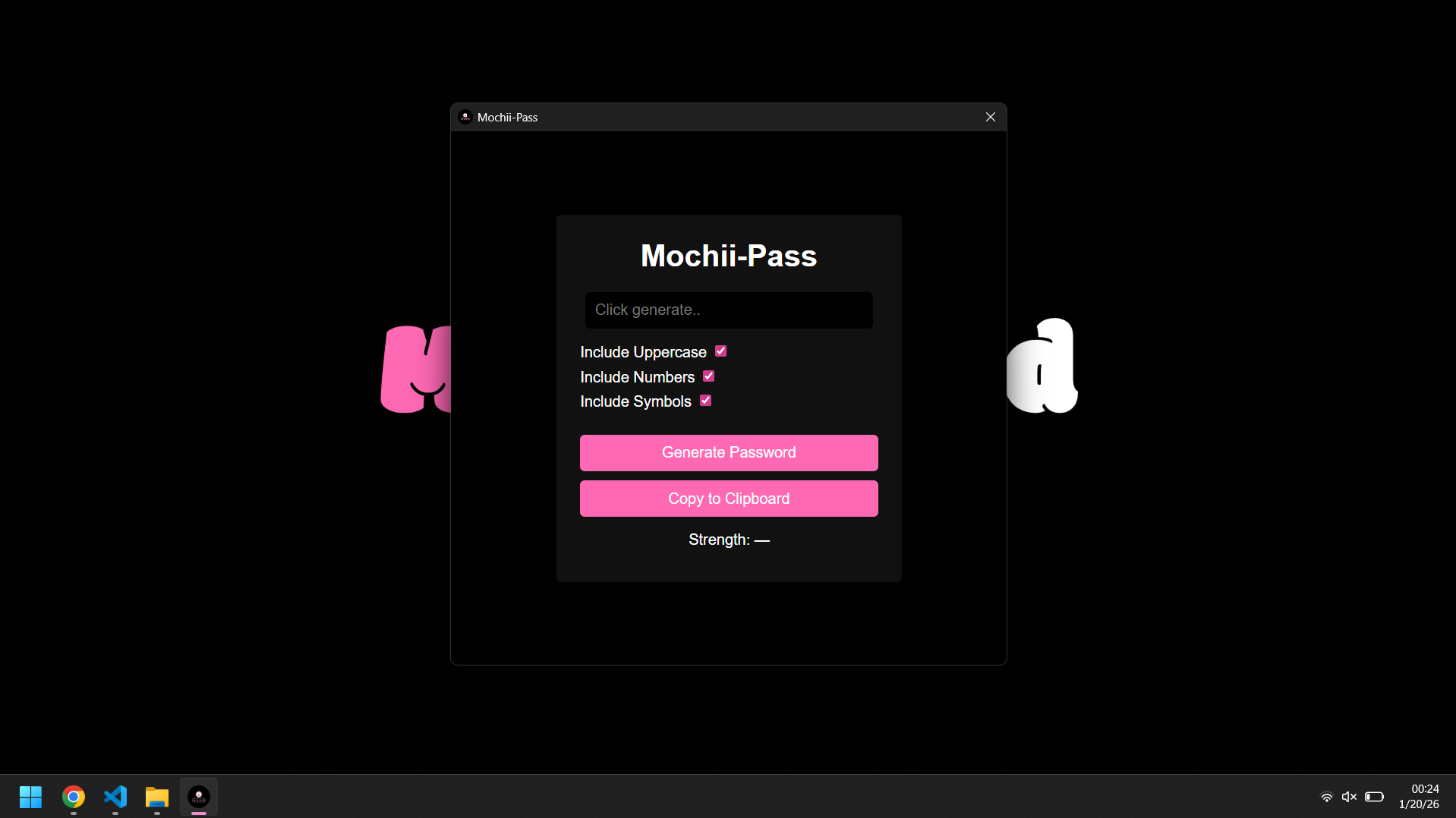
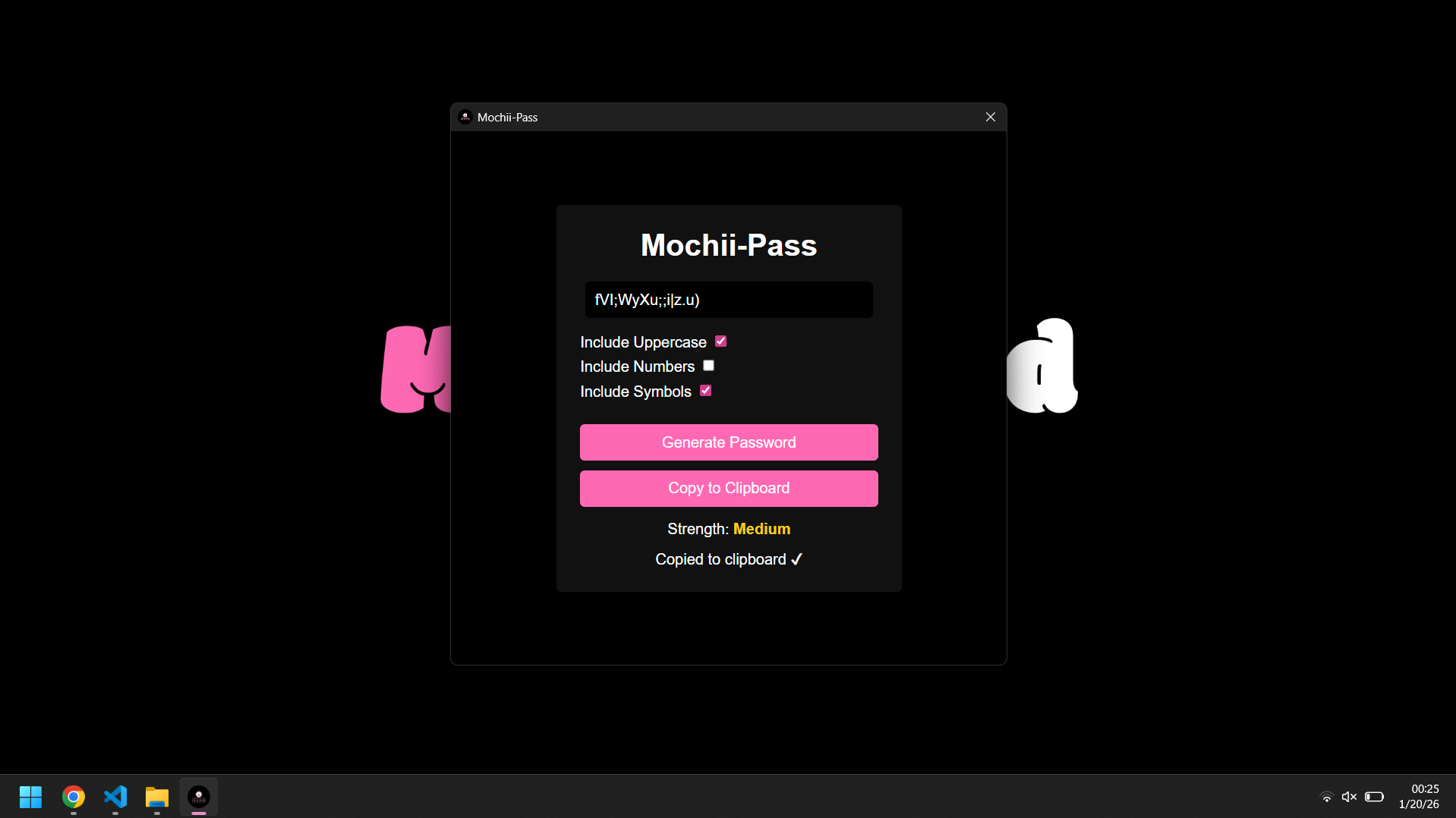
Effortlessly Generate and copy a password with MochiiPass — a fast, lightweight, and easy-to-use Windows app built for convenience.
Important: Keep the entire MochiiPass folder exactly as it is. Do not move the
.exeout of the folder or delete any files that come with the app. MochiiPass relies on the bundled files to function. If you move or remove anything, the app will not work.
Why You’ll Love MochiiPass
- All-in-One: Generate & copy a password — no setup required.
- Clean & Simple: Minimalist interface that just works.
- Windows-Ready: Designed for Windows users, works out-of-the-box.
Quick Start
- Open MochiiPass on your Windows PC.
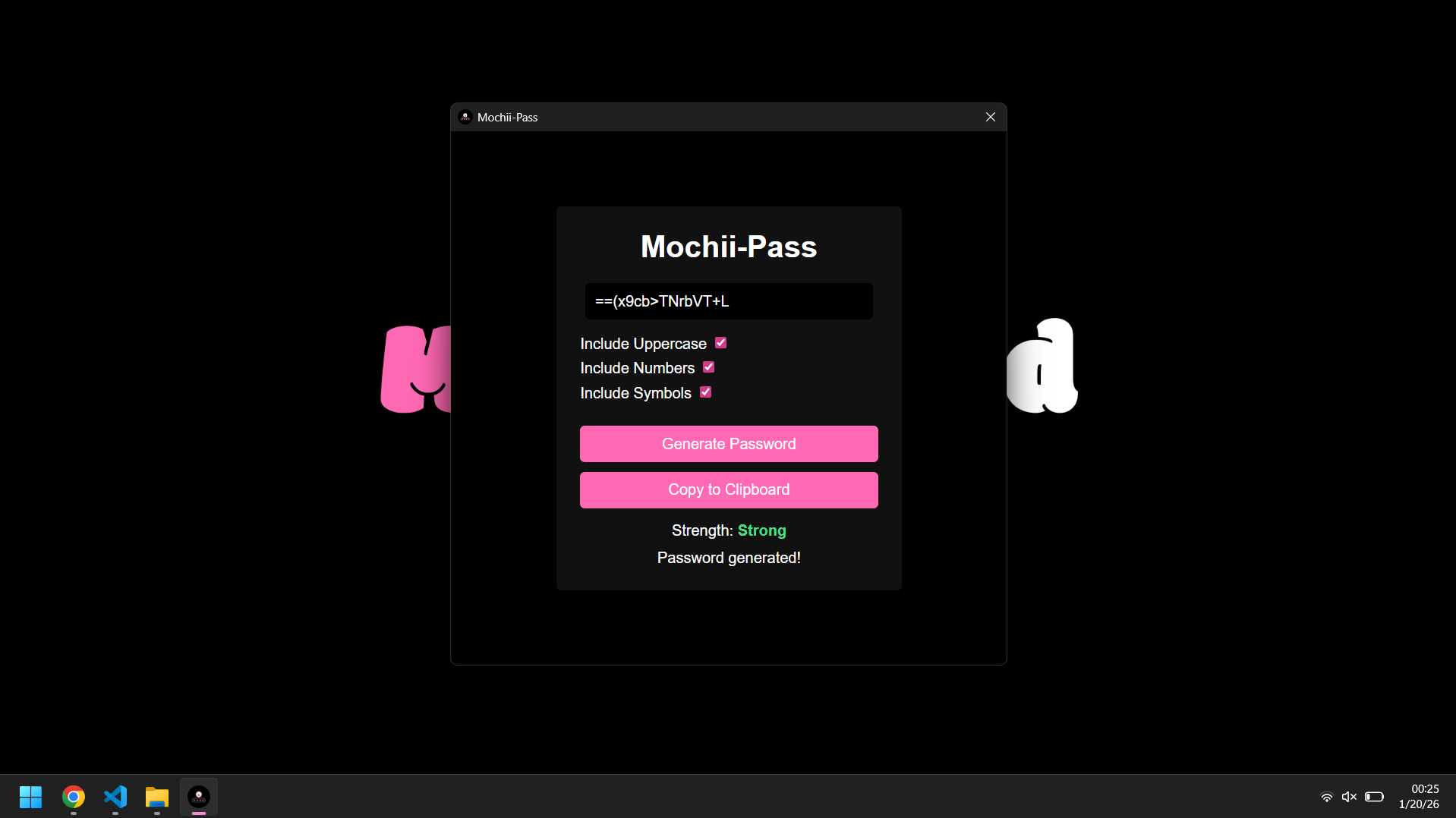
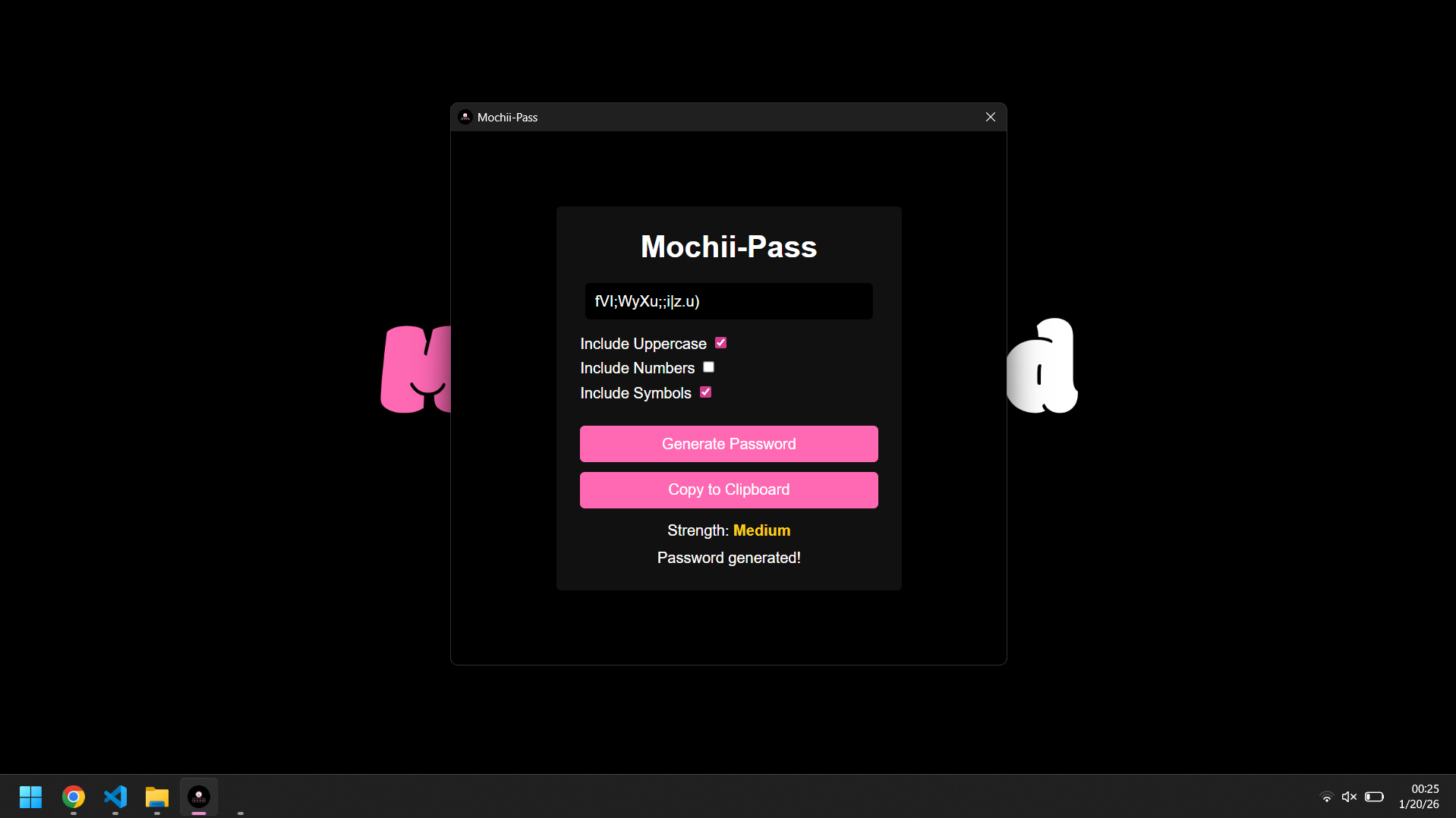
- Hit the Generate Password button.
- Hit the Copy to Clipboard button.
- You now have a new password that you can use.
Download Now
No complicated installs. No extra configuration. Just generate and start making new passwords instantly.
About MochiiFeed
At MochiiFeed, we’re more than just a blog — we’re a movement built around curiosity, creativity, and the culture of what’s next. From entertainment and gaming to space, tech, and beyond, we explore the trends shaping tomorrow while celebrating the stories that inspire today.